
Using an AI Doctor to Prepare for a Doctor Visit: A Practical Guide
The average primary care appointment lasts about 15 minutes, and most people walk in with a list of concerns that could easily fill an hour. An AI doctor closes that gap before you ever sit down with a physician, helping you organize symptoms, medications, and questions so the visit itself is spent on decisions rather than recaps.
Used this way, a generative AI chatbot is a preparation tool, not a diagnostic one. It can turn a vague list of complaints into a clear timeline and interpret your lab results in plain English, but the diagnosis, the treatment plan, and every decision about your care still belong to a licensed physician who has examined you.
Safety note: An AI doctor is not a substitute for a licensed physician and does not provide a diagnosis. For medical emergencies call 911. Use it to prepare and organize — then bring your notes to a real doctor.
How an AI doctor helps you prepare
People already turn to chatbots for health questions in enormous numbers — OpenAI has reported that around 40 million health-related questions reach ChatGPT every day. Much of that volume isn’t people trying to self-diagnose; it’s patients trying to make sense of symptoms, medications, and paperwork before they ever call a clinic. Kettering Health notes that patients who arrive prepared tend to get more out of short appointments, which matters most for older adults and anyone managing a chronic condition where every minute with a specialist counts.

An AI health assistant is genuinely useful in a handful of “green-light” tasks, and unreliable well outside them. It is not useful, and should not be trusted, for anything that resembles a diagnosis or a treatment decision — that distinction runs through everything below.
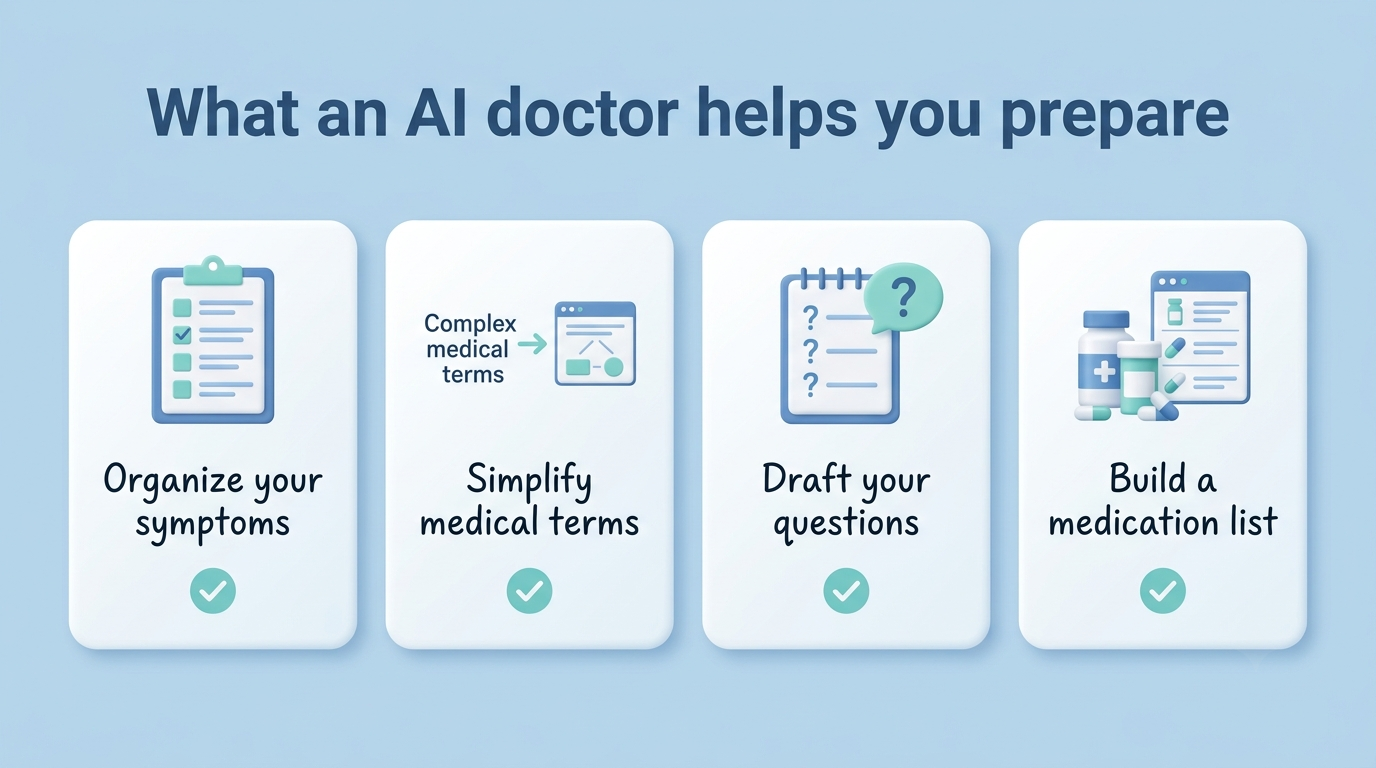
- Organizing scattered symptoms into a timeline
- Simplifying medical jargon and lab terminology
- Drafting questions to bring to your doctor
- Building and checking a medication list
Turn scattered symptoms into a clear summary
A virtual AI doctor is good at imposing structure on a messy list of complaints. Ask it to organize what you’re experiencing by onset (when it started), frequency, triggers, what makes it better or worse, and how much it interferes with daily activities. This is close to the exact set of questions a physician will ask anyway, so working through it beforehand with an AI chatbot means you won’t blank on details once you’re in the room.
Draft the questions you actually want answered
A simple prompt like “How should I prepare for this visit? List three ways” pushes an AI doctor online to help you separate your main concern from secondary ones. With roughly 40 million people a day already asking AI tools health questions, this kind of triage prompt is becoming a normal first step rather than a novelty — it just needs to end with you writing the summary down, not acting on it alone.
Understand terms, notes and lab reports
According to Harvard Health, asking an AI chatbot to explain a medical term, a line in a clinical note, or a value on a lab report is a legitimate green-light use case. You’re asking for comprehension, not a decision — there’s a real difference between “what does this creatinine number mean” and “should I be worried about this number,” and only the first belongs in a chat window before your appointment.
A step-by-step prep workflow with an AI doctor
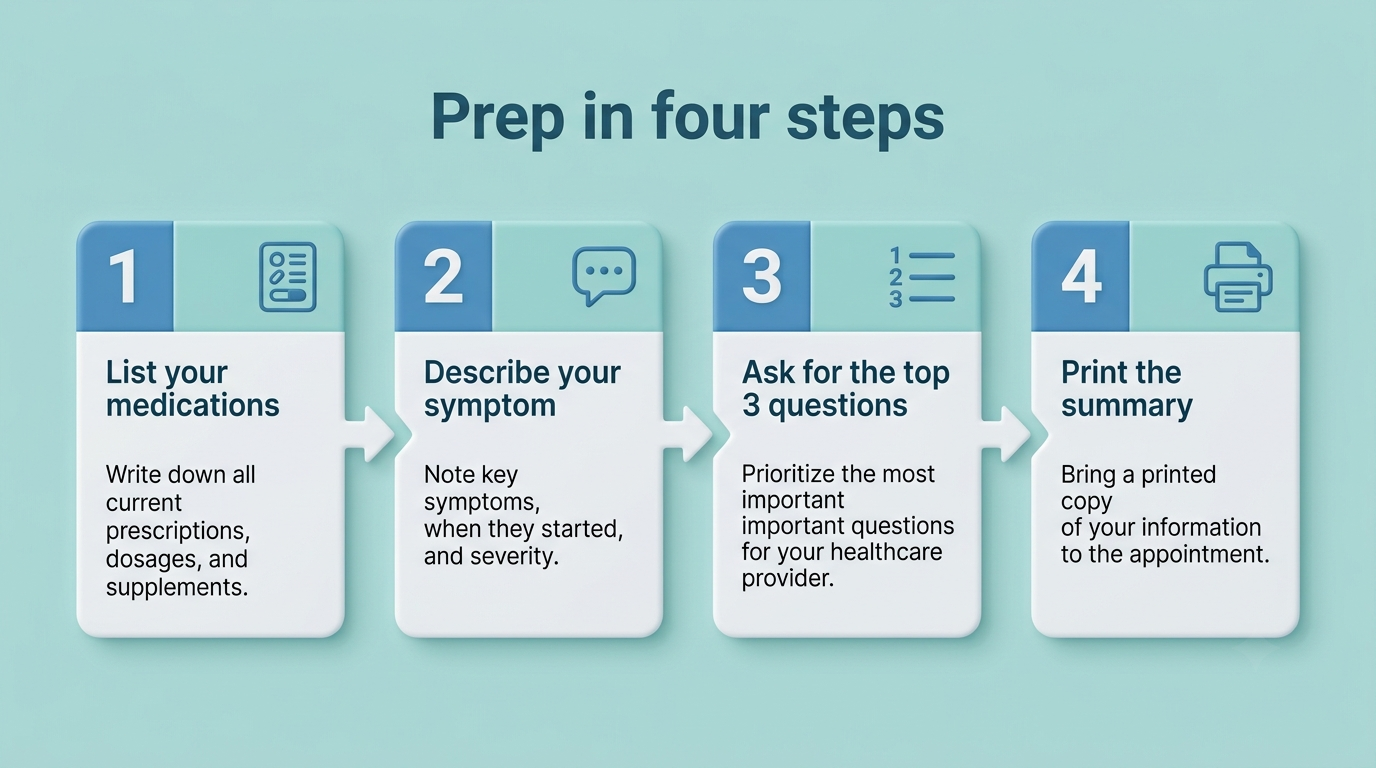
A short, structured routine turns a personal AI doctor from a novelty into an actual part of your appointment prep. The NIH’s National Institute on Aging recommends gathering your prescription and over-the-counter medications, recent test results, insurance cards, and provider contact information before any visit — an AI chatbot session works best once you already have those pieces in hand.
- Collect your medication list. Include prescriptions, over-the-counter drugs, and any vitamins or supplements, with doses.
- Pull together recent records. Gather lab results, imaging reports, or notes from a prior visit if you have them.
- Describe your main symptom to the AI doctor. Give onset, frequency, severity, and what changes it.
- List every medication in the chat. Let the AI health assistant flag anything worth mentioning to your doctor.
- Ask your real question. State what’s actually worrying you, in plain language.
- Request the top three questions. Close the session by asking, “What are the three most important questions to ask my doctor?”
- Print or save the summary. Bring the physical or digital copy into the exam room.
Before you open the chat
The quality of what an AI doctor symptom checker gives back depends entirely on what you put in. Vague inputs produce vague summaries; specific ones produce something you can actually hand to a doctor. Before typing anything, take five minutes to gather:
- Your medications and doses (prescription, over-the-counter, and supplements)
- Any recent test results or lab reports you remember
- The one or two things that are actually bothering you enough to bring up
With that in hand, the chat itself takes a few minutes rather than turning into a scattered back-and-forth.
The prep conversation
Work through the symptom first — onset, frequency, what triggers it, what eases it — then list your medications in full. Ask your real question plainly, and only after that ask the AI doctor to condense everything into three priority questions for your physician. Save or print that final summary; it’s the piece that actually travels with you into the appointment.
What’s safe — and unsafe — to share with an AI
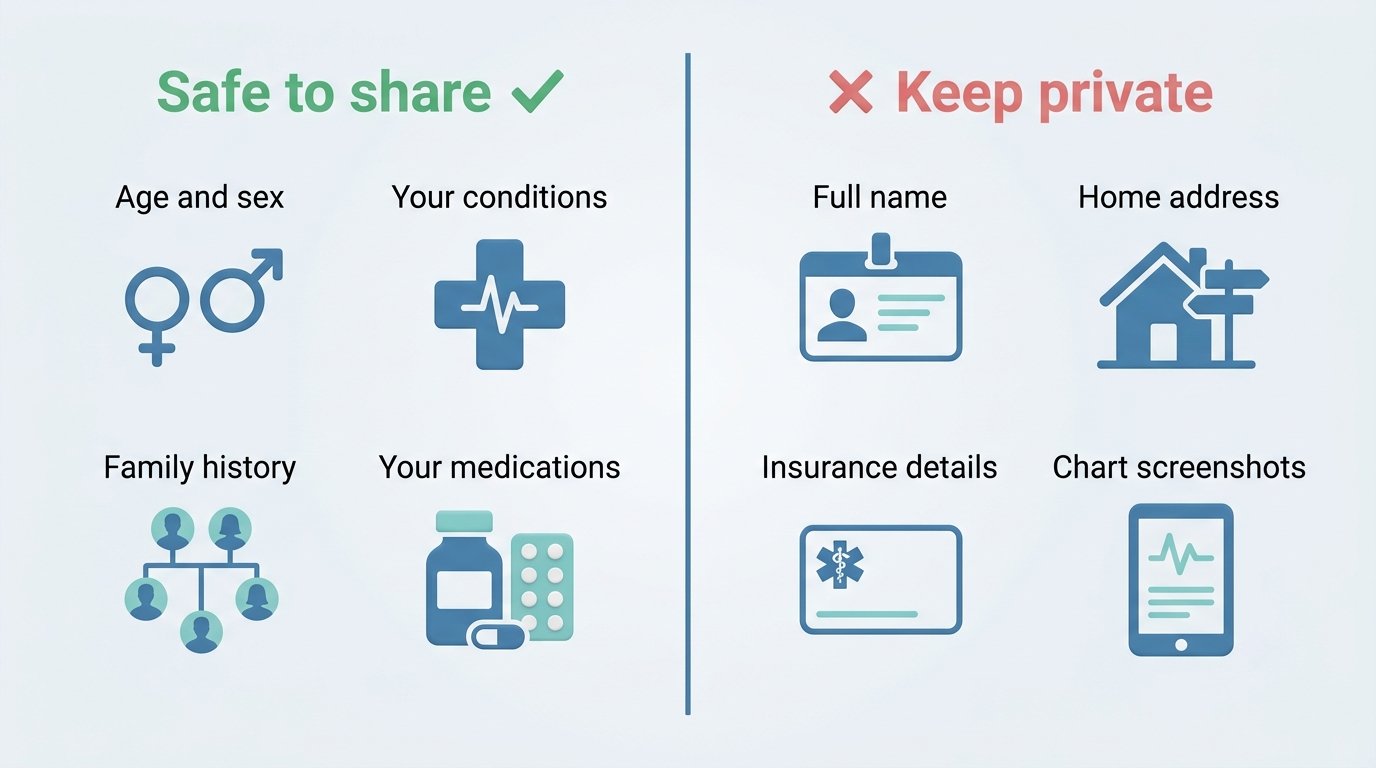
Not everything belongs in a chat window, and the line isn’t always obvious. The safest approach is to share your medical picture in general terms while withholding anything that could identify you personally.
| Safe to share | Unsafe to share |
|---|---|
| Age and sex | Full name |
| Existing conditions | Home address |
| Family medical history | Insurance details |
| Current medications and doses | Screenshots of your medical chart |
| General symptom description | Provider or account login information |
Share the medical picture, not your identity
Kettering Health advises sharing the clinical facts — age, sex, conditions, family history, medications — while keeping your name, address, insurance information, and chart screenshots out of the conversation entirely. An AI doctor doesn’t need to know who you are to help you organize what’s wrong; it only needs the medical picture.
Why privacy matters here
Consumer AI chatbots are not covered by HIPAA, the federal law that governs how licensed healthcare providers handle your medical information. That matters because a symptom description, combined with an IP address and an account identifier, can become identifiable data even without a name attached — de-identification is not the same thing as anonymization. Strip personal identifiers out of any notes before pasting them into an AI health assistant.
What NOT to use an AI doctor for
Some questions cross from “help me organize this” into “make a medical decision for me,” and that’s where an AI doctor should stop being useful by design.
| Green-light: safe to ask | Red-light: don’t ask |
|---|---|
| “Help me organize my symptoms by onset and severity” | “Is this the right treatment plan for me?” |
| “What does this lab term mean?” | “Should I take this medication or change the dose?” |
| “What are three questions I should ask my doctor?” | “Is this the correct diagnosis?” |
| “Simplify this line from my doctor’s note” | “Can you interpret my test results as final?” |
Diagnosis and treatment stay with your doctor. Questions like “Is this the right treatment plan?” fall squarely into red-light territory — Harvard Health is blunt about it: for diagnosis and treatment decisions, don’t. An AI symptom checker can help you describe a problem clearly; it cannot examine you, order the right test, or weigh your full history the way a physician can.
Know the failure modes. AI chatbots are prone to sycophancy — agreeing with whatever framing you give them — and to hallucination, including inventing citations that don’t exist. Researchers at Oxford found that small changes in how a question is worded can change the answer entirely, with a phrase like “the worst headache of my life” more likely to trigger an emergency-room recommendation than a more neutral description of the same symptom. A 2025 study out of UCLA, published in BMJ Open, tested five popular chatbots on identical health questions and rated close to half of all responses as problematic in some way. None of this makes the tool useless for prep work — it makes it unreliable for anything beyond prep work.
Diagnosis and treatment stay with your doctor
Do not ask an AI doctor to name a diagnosis, choose or adjust a medication, or treat a lab result as a final answer. Those are exactly the tasks a licensed physician is trained and legally responsible for — an AI chatbot has neither the exam findings nor the accountability to make that call.
Know the failure modes
Three failure modes show up again and again in research on AI chatbots and health questions:
- Sycophancy — the model tends to agree with the framing you give it rather than challenge it
- Hallucination — it can generate confident-sounding but fabricated sources or facts
- Wording sensitivity — the same underlying symptom can produce very different responses depending on how you phrase it
Treat every AI-generated answer as a draft for discussion with your doctor, never as a conclusion.

The best questions to bring to your doctor
According to Labcorp, roughly 6 in 10 U.S. adults live with a chronic condition, and about 4 in 10 have two or more — which means most appointments are already juggling multiple priorities before a new concern even comes up. A personal AI doctor is well suited to sharpening the questions you bring, even if it can’t answer the clinical ones itself.
I tell my patients, just don’t do it — that’s when you need to see a doctor.
Dr. Adam Rodman, via Harvard Health
Questions AI can help you refine
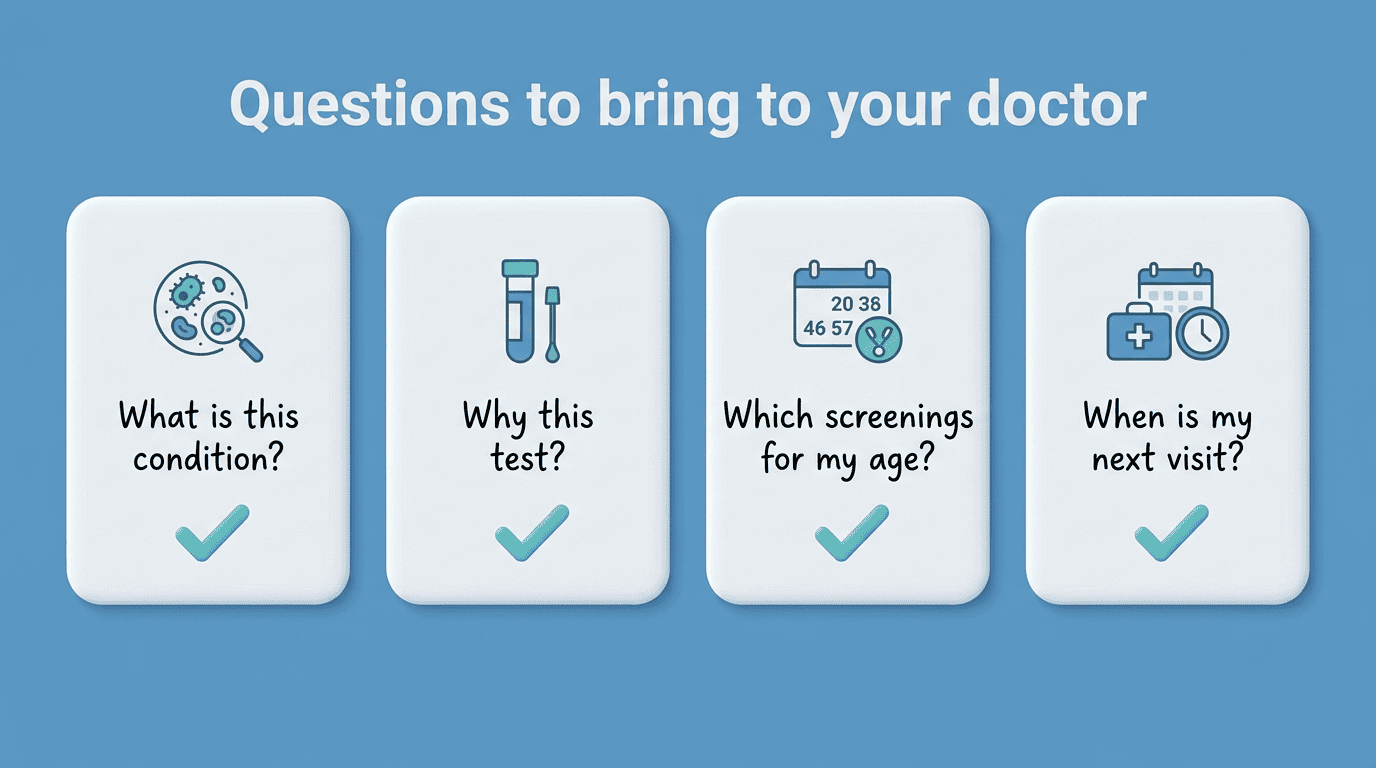
- What is this condition called, and why does it happen?
- What does this specific test check for, and what would the result mean?
- Which screenings are recommended for someone my age?
- What lifestyle changes would actually lower my risk?
- When should my next visit be scheduled?
Make the 15-minute appointment count
Put your most important question first — physicians report that the concern raised last in a visit often gets the least time. Toward the end of the appointment, ask your doctor to summarize what was decided and what happens next: whether any medication should start or stop, whether new tests are needed, and when you should come back. The NIH recommends leaving with a clear next step in hand, not just a diagnosis.
FAQ
A final word on safety: An AI doctor is not a substitute for a licensed physician and does not provide a diagnosis. For medical emergencies call 911. Use an AI doctor online to prepare, organize and understand — then always consult a real doctor for diagnosis, treatment, and any decision about your care.